Inventory Management
Independent guides to restaurant inventory software: compare tools, see real pricing, and choose by your POS. Plus free calculators and templates.
What restaurant inventory software does
Restaurant inventory software helps you count stock faster, track usage and waste, manage suppliers and ordering, cost your recipes, and see your true food cost — often in close to real time rather than weeks after the fact. The best tools connect to your POS so that what you sell automatically draws down what is on the shelf, turning a vague sense that "food is expensive" into numbers you can act on.
Whether you run a single cafe, a busy bar, or a growing multi-location group, the right tool depends on your POS, your budget, and whether your biggest pain is over-ordering, waste, unclear recipe margins, or slow month-end reporting. The guides below walk through every angle so you can shortlist with confidence.
How to choose the right tool
Start from your POS — integration removes the most manual work and improves accuracy. Then list the modules you actually need now (inventory, recipe costing, purchasing, accounting) and ignore the rest. Weigh how automated invoice and price capture is, because manual data entry is the hidden cost that quietly eats your team's hours. Compare real prices for your exact location count, including any setup fee and beverage or accounting add-ons, and pilot at one location before rolling out to the group.
Not ready to pay yet? Begin with our free restaurant inventory spreadsheet template and the food cost & waste calculator to find your biggest leaks first.
Start with these guides
Best Restaurant Inventory Software
Our flagship buyers' guide ranking the top inventory platforms for small restaurants, bars, and multi-location groups.
Inventory Software Pricing
What restaurant inventory software really costs in 2026 — approximate per-location pricing, models, and hidden add-ons.
Compare Inventory Software
MarketMan vs MarginEdge vs Restaurant365 and more, side by side on features, fit, and price.
Free Inventory Software
The genuinely free options and free tiers — what you get, the limits, and when a spreadsheet wins.
Inventory Software by POS
Choose by your POS: the best inventory tools that integrate with Toast, Square, Lightspeed, and Clover.
Free calculators & templates
Food Cost & Waste Calculator
Estimate food cost percentage and how much money waste is costing you.
Inventory Spreadsheet Template
Free downloadable stock tracking spreadsheet for small restaurants.
How to Calculate Food Cost %
The formula, a worked example, and benchmarks to aim for.
Frequently asked questions
All inventory guides

Compare Restaurant Inventory Management Software
MarketMan vs MarginEdge vs Restaurant365 and more, compared side by side on features, fit, and price — with guidance on the best inventory software by restaurant type.

Restaurant Inventory Software Pricing
How much restaurant inventory software really costs in 2026 — approximate per-location pricing for the major platforms, the pricing models explained, and the hidden add-ons to budget for.
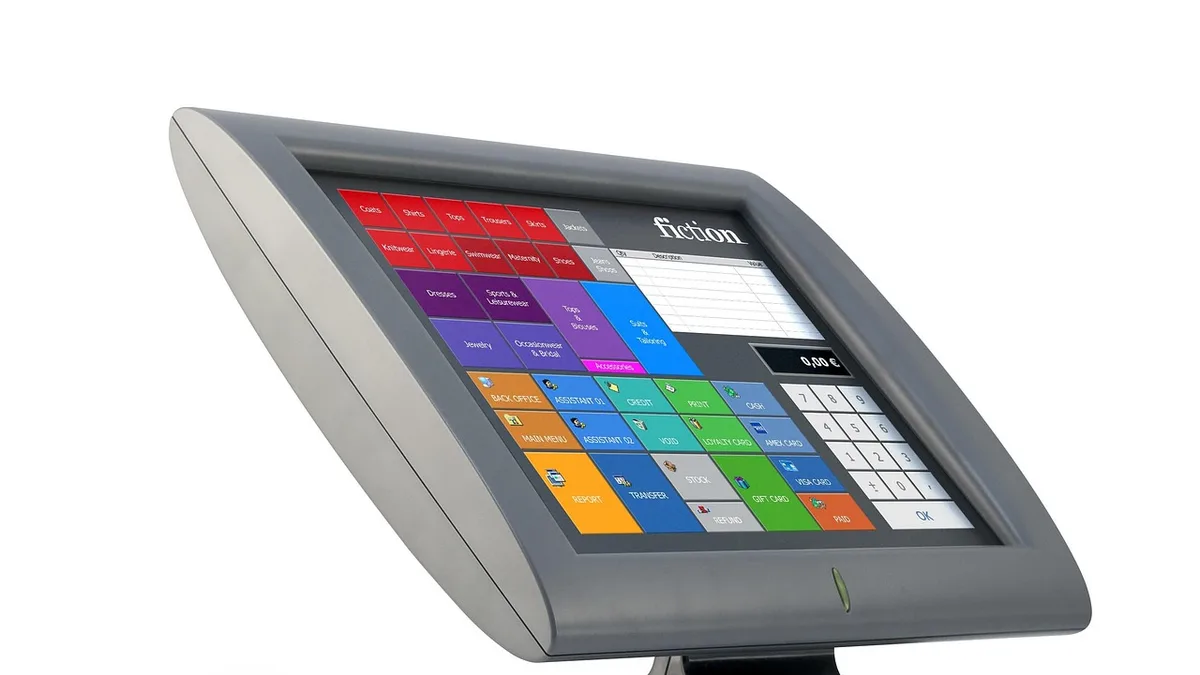
Restaurant Inventory Software by POS Integration
The best restaurant inventory software for each POS — Toast, Square, Lightspeed, and Clover — and why POS integration is the smartest first filter when choosing a tool.
Free Restaurant Inventory Management Software
The genuinely free options for restaurant inventory in 2026 — free tiers, POS-included tools, and a free spreadsheet template — plus the limits and when to upgrade to paid.

Best Food Cost Software for Restaurants
Compare the best food cost software for restaurants — recipe costing, actual-vs-theoretical food cost, invoice automation, and profitability tools.

Best Restaurant Inventory Software
Invoice automation, recipe costing, and variance tracking compared for restaurants.

The Food Waste Audit Every Restaurant Should Run Before Raising Menu Prices
Afraid to raise prices again? Run this repeatable 7-day food waste audit first. The 3 types of restaurant waste, a copy-ready log, and how to turn waste data into recovered margin.