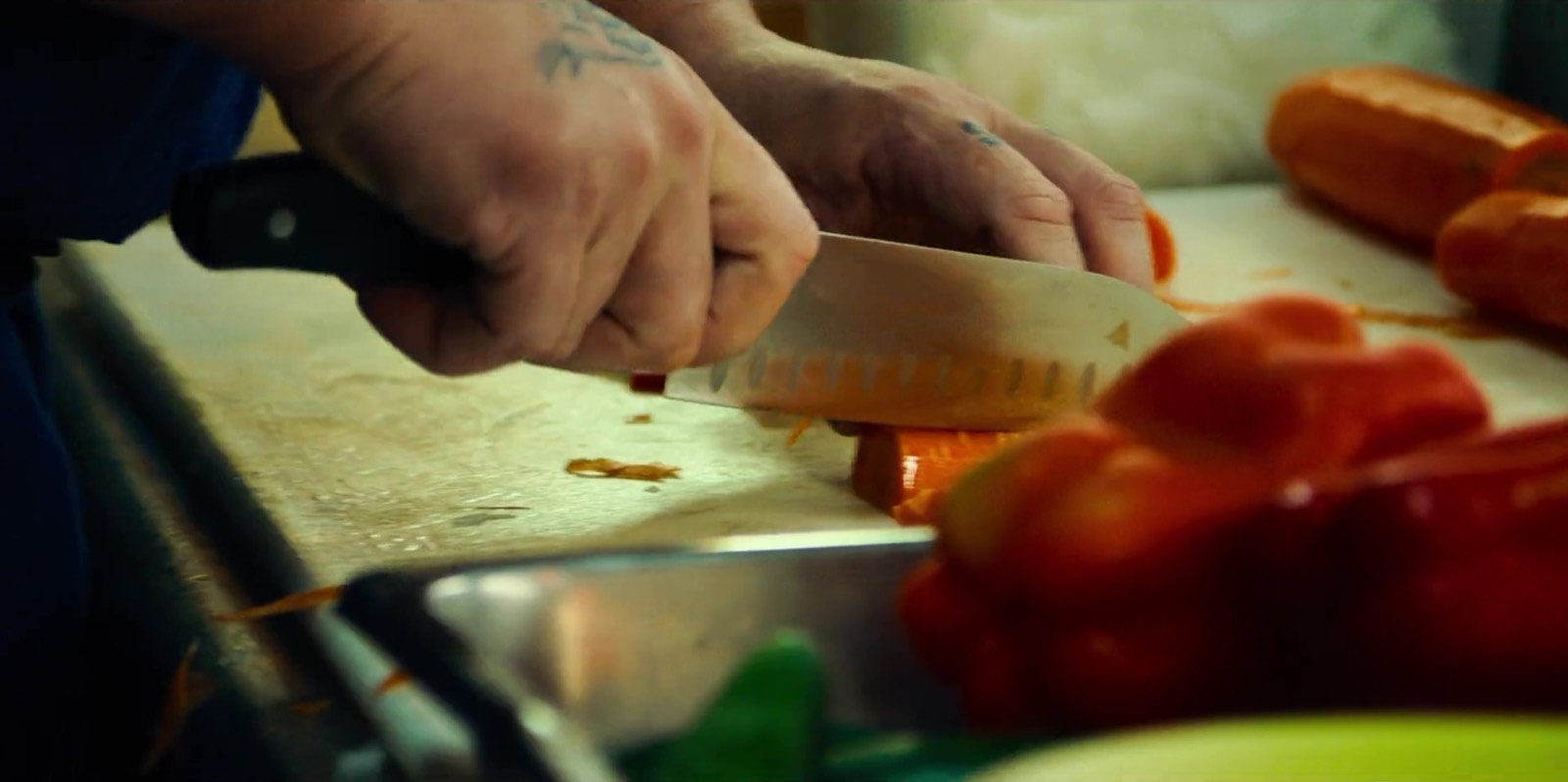
The weekly count problem
It is 9:40 on a Friday night at a mid-sized family restaurant — eighty seats, two generations of the same family in the building, a menu that has not changed much in fifteen years. The last table is finishing dessert. In the back, the owner's daughter is standing in the walk-in with a clipboard and a flashlight, because tonight is the first time they are counting inventory weekly instead of once a month.
For years, the count happened on the last day of the month. Someone walked the line, eyeballed the shelves, wrote down rough numbers, and handed them to the bookkeeper. The food cost that came back always felt a little off, but nobody could say exactly where it went. "We just figured that was the cost of doing business," the owner says. Now the food cost is climbing and "the cost of doing business" is no longer an answer they can afford.
The first weekly count takes ninety minutes and surfaces three surprises before they even reach the bar. A case of chicken thighs the system says is on hand is not. Two tubs of a prepped sauce have been thrown out, unrecorded. And the line cook has been portioning a signature dish heavier than the recipe, all week, every plate.
 The week's numbers are really set here, at the back door, long before anyone counts.
We did not have an inventory problem. We had a measurement problem — and once a month, we were measuring the wrong things too late to do anything about them.
Moving from monthly to weekly counts is the single biggest accuracy lever most restaurants have, and this kitchen felt it immediately. A monthly count tells you what happened four weeks ago, after the over-ordering, the waste, and the heavy portioning are long gone and impossible to trace. A weekly count shortens that window so problems surface while you can still do something about them. This is the heart of weekly restaurant inventory: count often enough that the numbers point at causes, not just symptoms.
But here is the part nobody warns you about. Counting is only step one. A perfect count tells you what is on the shelf tonight — it does not tell you what it means. The real problem is the gap between what you bought, what you counted, and what you actually sold: your actual vs theoretical food cost. Closing that gap is where the work is, and the rest of this report is about why it opens in the first place.
Why POS inventory is never fully accurate
Plenty of operators assume their point-of-sale system already tracks inventory for them. It depletes ingredients as items sell, so the on-hand numbers should be right — except they never quite are. POS depletion is theoretical: it assumes every plate matches the recipe exactly and nothing ever leaves the building except as a sale. Real kitchens do not work that way. Here is where POS inventory drifts from reality:
- Portions are not exact. The POS subtracts the recipe amount; the line subtracts what the cook actually plated. Heavy hands, generous pours, and eyeballed portions all widen the gap, plate by plate.
- Waste, spoilage, and comps are invisible. A dropped tray, a spoiled case, a comped entree — none of it is a sale, so the POS never deducts it. That shrinkage simply disappears from the theoretical count.
- Recipes go stale. The moment a recipe changes and the POS is not updated, every depletion for that item is wrong until someone fixes it.
- Prep and yield are not modeled. Whole-to-portion breakdown, trim loss, and batch prep rarely map cleanly to POS recipes, so raw counts and depleted counts quietly diverge.
Field note: this restaurant's POS said it had a full case of chicken thighs on hand. The walk-in had two-thirds of one. The POS was not broken — it had simply never seen the spoilage, the heavy portions, or the staff meal. That is the difference between theoretical and actual.
 The bar is where POS depletion drifts fastest: free pours and tenths of a bottle never hit a ticket.
Why spreadsheets become painful
So most operators reach for the obvious fix: a restaurant inventory spreadsheet. It is the right first move — cheap, flexible, and miles better than eyeballing the shelves. This restaurant ran on one for months and it genuinely helped. But spreadsheets carry their own friction, and it grows as the restaurant does:
- Manual entry eats time. Every count, every invoice, every price change is typed in by hand. The longer the sheet, the more the Friday-night count drags.
- Prices drift silently. Vendor prices change weekly; a static spreadsheet keeps costing recipes at last month's numbers until someone remembers to update every cell.
- Formulas break. A dragged cell, a deleted row, a wrong unit, and the food cost number is quietly wrong with no error message to warn you.
- It does not talk to the POS. The sheet cannot compare what you counted against what you sold, so actual-versus-theoretical food cost stays a manual, error-prone chore.
- Only one person really understands it. When the spreadsheet lives in one manager's head, a single night off can stall the whole count.
 A good count sheet is where most restaurants should start — and where many quietly outgrow the spreadsheet.
The spreadsheet did not fail us. We outgrew it. The night it took longer to update the sheet than to count the walk-in, we knew something had to change.
Waste is a behavior problem, not a line item
The biggest surprise of going weekly was not in any number — it was in the behavior the numbers exposed. Restaurant waste tracking tends to get treated as an accounting line to reconcile at month-end. In practice, waste is the sum of dozens of small human habits, repeated every shift. You cannot fix it in a spreadsheet; you fix it on the line. These are the operator problems this kitchen found hiding in its waste:
Over-portioning by habit. The signature dish was going out heavier than spec on every plate — not once, but as the cook's normal hand. No single plate looks wrong; a week of them is a measurable hit to food cost.
Unlogged spoilage. Prepped sauce, trimmed produce, and forgotten specials were thrown out without a note. If it never hits a waste log, it shows up only as variance nobody can explain.
Over-ordering perishables. Without written par levels, ordering ran on feel, and the safest-feeling order is always a little too much. The extra rots in the walk-in and leaves as trash.
The bar pours by eye. Free pours and untracked comps are a behavior, not a system failure. High-value liquor leaks fastest exactly where no ticket is ever rung.
Field note: a clipboard taped by the line — date, item, reason, rough amount — captured more waste in one week than the previous year of month-end guessing. The point was never the paperwork. It was making invisible behavior visible to the people doing it.
 Perishables are where over-ordering shows up: counted full one week, spoiled and gone the next.
What to do before you buy software
Here is the part the software ads skip: most of the damage in this restaurant was fixable before anyone spent a dollar on a platform. Buying software to fix discipline you do not have yet just digitizes the chaos. Build the manual routine first — our free restaurant inventory spreadsheet template gives you par levels, unit costs, and on-hand value to start from. Do these five things before you shop:
- Move to a weekly count on a fixed day and time. Same night, same person leading it, every week. Frequency is the single biggest lever on accuracy.
- Standardize the count order and units. Walk the kitchen the same direction every time and count each item in one consistent unit, so two counts are actually comparable.
- Write down par levels for every item. A par is your target on-hand level. It turns ordering from a feeling into a calculation and gives every count something to measure against.
- Log waste and comps as they happen. A clipboard by the line for spoilage, drops, and comps closes the biggest gap between theoretical and actual usage.
- Reconcile the count against invoices and sales. Match what you counted to what you bought and sold so you can calculate real food cost, not a guess — our guide to how to calculate food cost percentage walks through the math, and the food and waste cost calculator does it for you.
Field note: the owner's daughter now leads every count personally and times it. Week one took ninety minutes. By week four it was under thirty, because the shelves, the units, and the count order had all been standardized to match the sheet — no software required.
 Labeled, portioned prep is inventory you can actually count — and the cheapest accuracy upgrade there is.
If the manual routine does not work on paper, software will not save it. It will just make the same mess faster and more expensive.
Which software type fits which restaurant
Once the weekly count, written pars, and invoice reconciliation are solid, software stops being a crutch and becomes a multiplier — automating invoice capture, POS comparison, recipe costing, and variance flagging. But there is no single best tool, only the right tool for how your restaurant runs and where your sales come from. The same restaurant inventory software for small restaurants that fits a cafe is useless to a multi-unit group. Our best restaurant inventory software guide compares specific options; here is how the categories map to the kind of restaurant you run:
- Small cafe or quick-service spot: A handful of SKUs, tight margins, and no time for a heavy rollout. A well-built spreadsheet or a free, lightweight app is usually enough. Start with our free inventory spreadsheet template or a free restaurant inventory app before paying for anything.
- Bar-heavy restaurant or pour-driven concept: High-value liquor and tenth-of-a-bottle accuracy are the whole game. Prioritize software with strong beverage and bar tracking — pour-level counts, variance by bottle, and shrinkage reporting — over general food features. Tight restaurant POS software integration matters here, since the bar is where POS depletion drifts fastest.
- Independent full-service restaurant: A real menu, real recipes, and meaningful food cost to manage. This is the sweet spot for mid-tier software with recipe costing, invoice scanning, and POS integration. See which tools fit your register in our POS integration guide, weigh cost in the pricing breakdown, and if you are weighing the big all-in-one platforms, our Restaurant365 alternatives comparison is a useful starting point.
- Multi-location group or growing chain: Consistency across kitchens, commissary transfers, and rolled-up reporting matter more than any single feature. Choose a platform built for multi-unit control — central recipes, per-location variance, and group-level food cost — and expect a heavier implementation in exchange.
The 30-minute weekly inventory system
This is the routine the restaurant settled on — the same count that took ninety minutes in week one and now runs in about thirty. Use it as a starting point and adapt it to your kitchen.
- Pick a fixed day and time, after close, before the next delivery lands.
- Print or open your count sheet in shelf-walk order, with par levels already filled in.
- Count the walk-in and cold storage first, in one consistent unit per item.
- Count dry storage and the line, following the exact same path every week.
- Count the bar last, to the tenth of a bottle, including open bottles.
- Record any waste, comps, and spoilage from the week onto the sheet.
- Reconcile the count against this week's invoices and POS sales to get real food cost.
- Compare against last week, flag anything unexpected, and set next week's order from your pars.
Keep reading and tools that help
Three months in, this restaurant's food cost dropped by several points — not from a new vendor or a price increase, but from counting weekly, writing down pars, logging waste, and finally reconciling against invoices. The numbers had always been there. They just needed to be measured often enough, and consistently enough, to be true.
Start by measuring where you stand with our free food cost and waste calculator, then set up a repeatable count with the restaurant inventory spreadsheet template. When you are ready to automate, compare options in our best restaurant inventory software guide, check what it costs in the inventory software pricing breakdown, start with free restaurant inventory software if you are not ready to pay yet, or see how a tool plugs into your restaurant POS software.
This report draws on public operator discussions and industry research, not fabricated interviews; the family restaurant is a representative composite of patterns operators describe again and again.